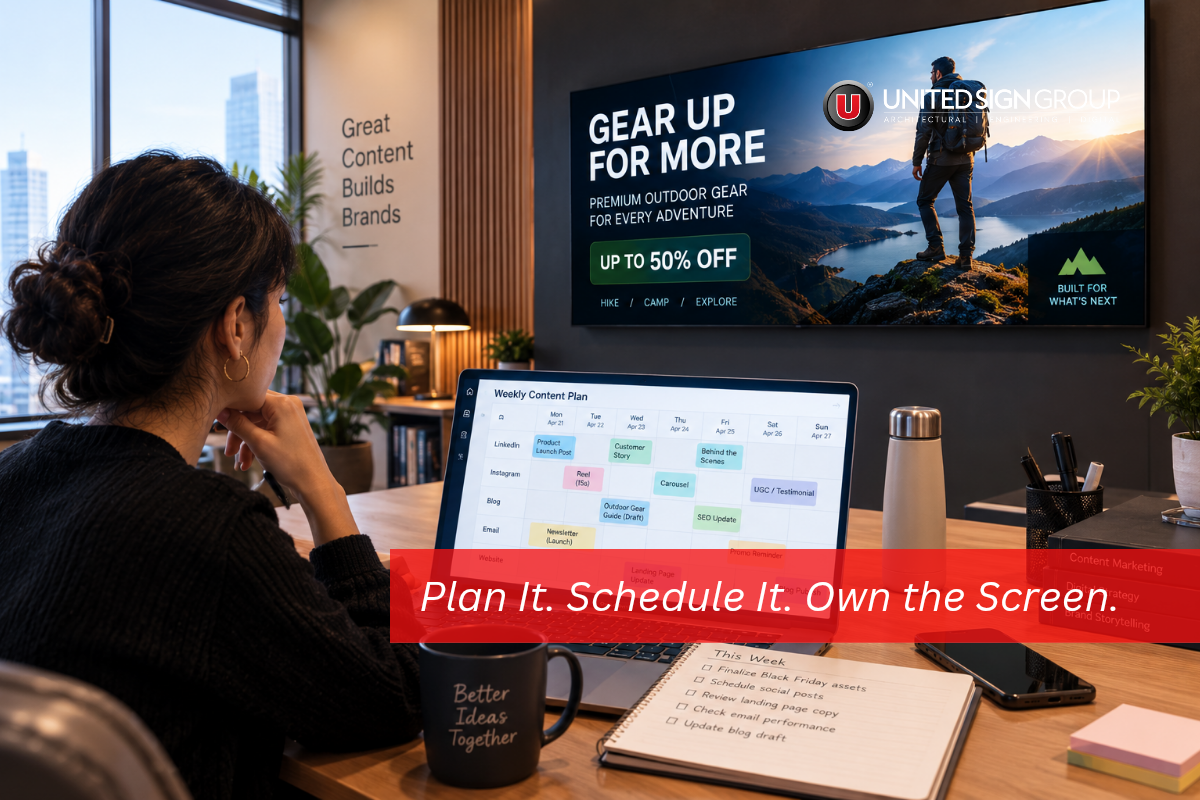
An LED content calendar is the difference between a screen that sells like hot cakes and a very expensive bulletin board. We’ve walked past plenty of the kind: a gorgeous display out front running the same slide it ran in March while people stroll by without a glance. The hardware was never the problem. That’s true. It’s just nobody planned what to put on it.
Still choosing a display? Start with our LED display buying guide, then come back here. Plan your content before the screen arrives and you’ll save yourself a scramble later.
Why Your LED Display Needs a Calendar
Left a screen drifts. Someone updates it during launch week then the busy season hits and nobody touches it again. Within a month its showing a sale that ended.
A calendar fixes that. People learn when new messages appear so they start looking. Your team makes content in batches of at 4:45 on a Friday. Because every message has a time slot you can finally tell which ones worked. Good digital signage software does the scheduling for you. Your job is to decide what to say and when.
Match Your LED Content Calendar to Your Venue
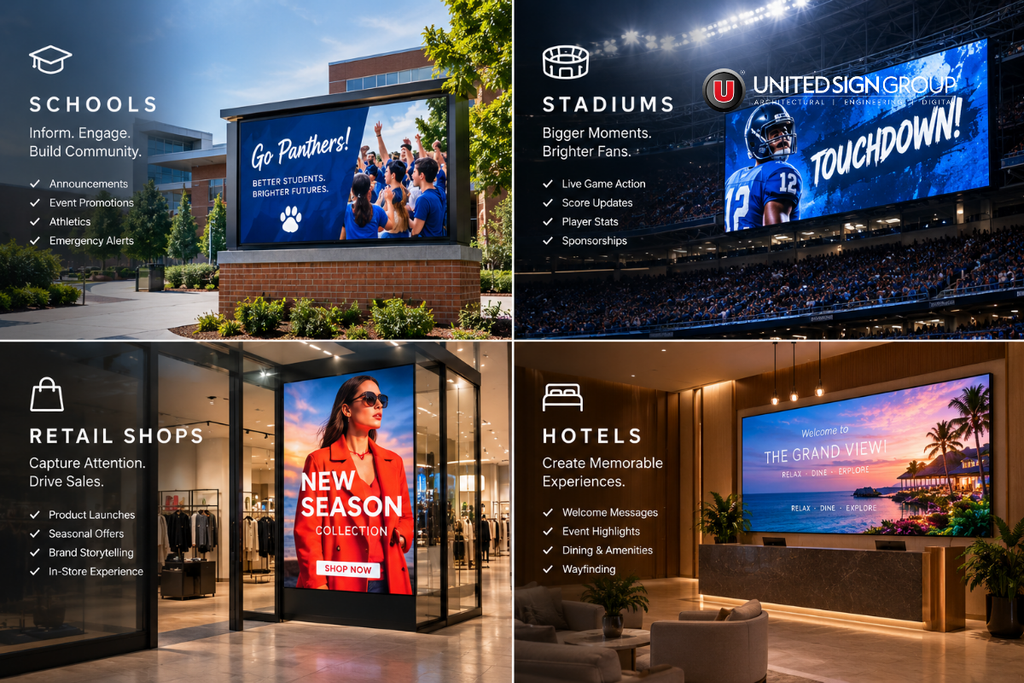
Each venue has its crowd and its own rush hour so build around one main goal.
Schools
Families check the sign at drop-off so put the day’s important notice up front. Save student wins club news and event dates for the hours. An outdoor LED display or message center at the entrance does this job well.
Arenas
Sponsors pay to be seen. They notice when they aren’t. A fixed rotation guarantees every partner their slot, which keeps those relationships healthy. Add -game hype, halftime offers and a thank-you when the final whistle blows. Large-format LED video displays and perimeter boards fit best here.
Retail
Shoppers respond to timing. A lunch offer belongs on screen at 11:30, not at 4:00. Change the message by hour and by weekday. Give weekends bigger promotions. Storefront LED signs and indoor fine-pitch displays handle this nicely.
Hospitality
Guests want things at different hours: coffee and check-out details in the morning, dinner specials and live entertainment by evening. Lobby video walls and roadside pylon displays carry those messages well.
Not sure which product suits your space? Browse our LED display solutions or ask our team.
Build the Year in Three Layers
Begin with the fixed dates: holidays, school terms, home games, peak shopping and travel weeks. Next give each month one theme so your messages pull in the direction. Lastly, fill in the daily slots.
Don’t overthink the tool. A plain spreadsheet works fine at the start. Give each row a date, a time window, the message, who owns it and whether it’s approved.
A Sample Week for Each Venue
Use these as a starting point and shift the times to match your traffic:
- A school might run a welcome the weather and one key notice from 7:00 to 8:30 AM. Student spotlights and club news fill the school day. Dismissal reminders and event countdowns take over after 3:00 and weekends promote games, concerts and fundraisers.
- A stadium starts two hours before the game with hype and ticket-holder offers. Sponsors rotate on an agreed schedule during play. Halftime brings concession deals and fan contests and the post-game screen thanks the crowd. Sells the next home date.
- A retail shop can open with arrivals and loyalty sign-ups, switch to lunch offers around 11:30 and push after-work specials from 4:00 to 7:00. Saturdays and Sundays get the family-friendly promotions.
- A hotel runs the breakfast menu and check-out reminders until 10:00, spa and tour promotions through midday then dinner and bar features into the evening. Weekends welcome wedding parties and groups by name.
Try the 70-20-10 Mix
Most of our clients do well dividing screen time like this: 70 percent core messages tied to your goal, 20 percent community or brand content that earns goodwill and 10 percent experiments. Test a format at a different time of day or a fresh offer. Check the numbers monthly. Give more airtime to whatever works.
Design for a Three-Second GlanceNobody studies an LED screen. They glance at it. Keep headlines, pick high-contrast colors and ask for one action per slide. Hold each slide enough to read but not so long that it drags. Then stand where your viewers stand and check it. What looks sharp on your laptop can vanish at forty feet.
Pick Control Software Your Team Will Actually Use
The best calendar fails if updating the screen feels like a chore. Good LED display control software lets you schedule ahead push changes fast and give each person the access they need.
NovaStar makes two systems worth knowing. ViPlex suits control and quick on-site edits. VNNOX runs through the cloud so one person can update screens from a single dashboard. A single school sign and a twelve-store retail chain need different setups and our specialists can tell you which one fits.
Name an Owner and an Approver
Pick one person to own the calendar and another to approve what goes live. Set a rule that nothing publishes without sign-off. It takes a minute. It stops the typo that would otherwise sit on a twelve-foot screen all weekend.Measure and AdjustWatch what you can. Retailers can compare sales during featured promotions, schools can count event turnout, stadiums can report sponsor exposure and hotels can track restaurant bookings. Review your LED content calendar each quarter. Drop whatever isn’t working. When you report results, use numbers from your own venue.
Let Us Help You Build Your LED Content Calendar
You already have a plate. Writing a year of screen content probably isn’t at the top of it. Our team will pick the display, set up the right control system and map out your first 90 days with you so the screen works from the day it goes live.
Request Content Planning Help and we’ll build your first 90 days with you.
Frequently Asked Questions: LED Content Calendar
It’s a schedule that lists what your LED display shows, when it shows it and who manages it. It keeps your messages timely. Tied to your goals.
Refresh your messages weekly and review the whole calendar once a month. Sales and event notices should change whenever the details do.
ViPlex and VNNOX are two choices. Both let you schedule content and manage users and VNNOX adds cloud access for updating screens.
Less than you’d think. Build a template for each type of message and swap, in details. You’ll save hours of design time.
Yes. With cloud control you can share core messages across every screen. Add local offers at each site.